Why You Should Trust My List
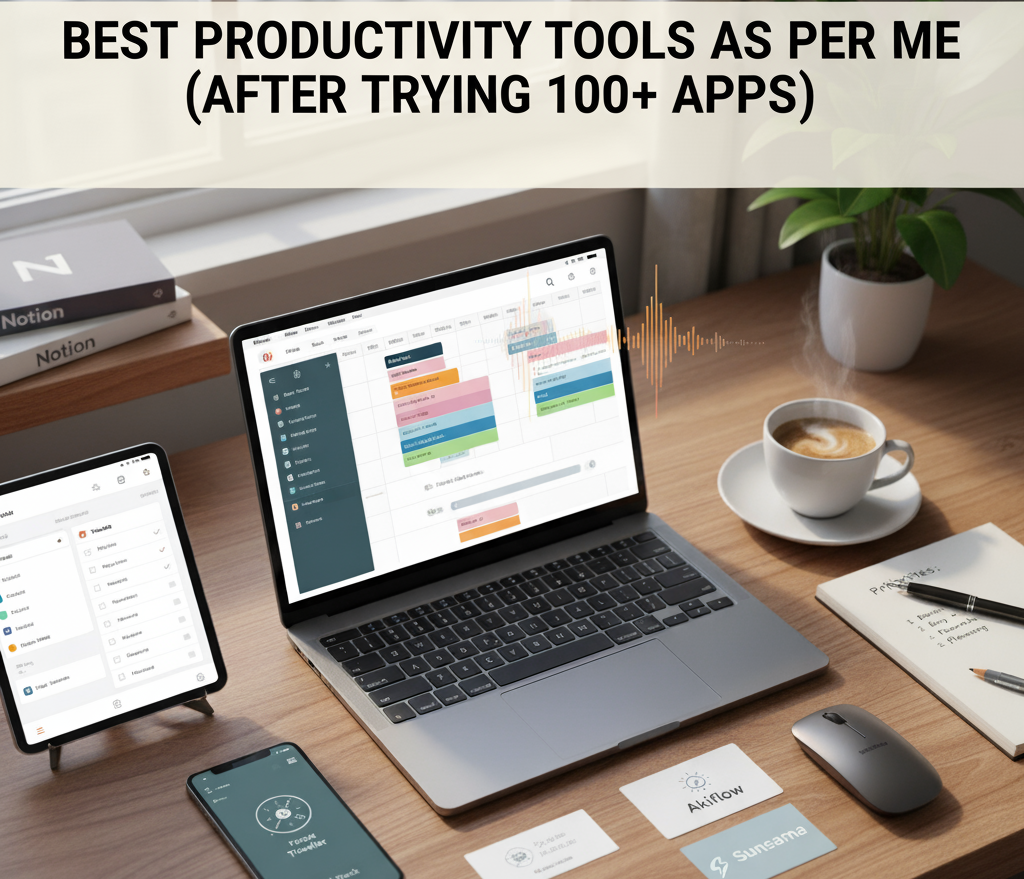
I’ve spent years chasing “the perfect productivity setup.” Like many, I’ve fallen into the trap of tool-hopping — switching from Todoist to Notion, from Akiflow to Sunsama — hoping each new app would fix my procrastination.
Spoiler: none of them did alone. But when used together with intention, a few of them completely changed my workflow. These are not random “top 10 tools” scraped from the internet — these are the ones I’ve personally tested, used for months, and still rely on daily.
My 9 Productivity Tools That Actually Work
1. Todoist – My Forever Task Manager
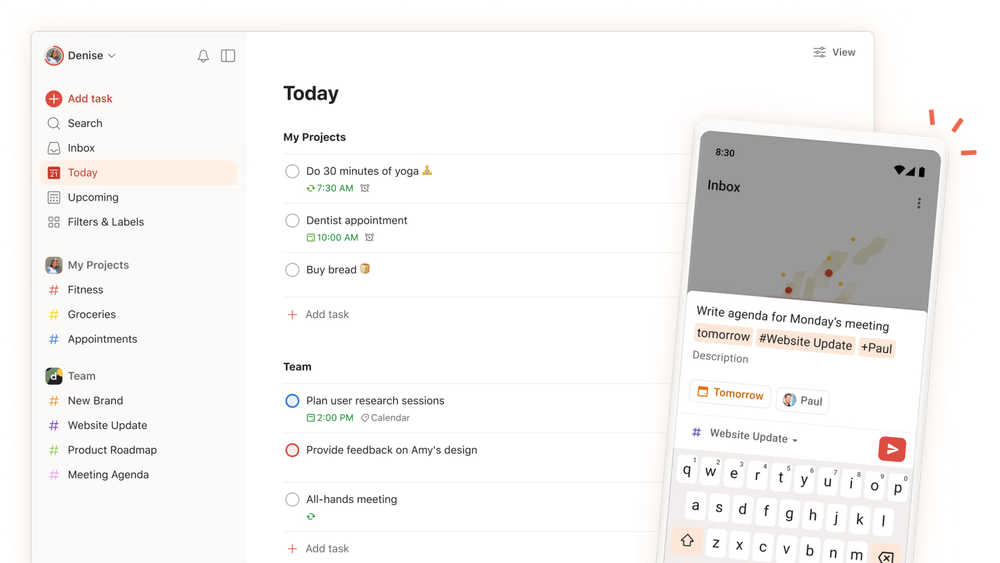
If I had to keep just one productivity app forever, it would be Todoist.
It’s like the quiet achiever that never lets you down — simple, fast, and cross-platform.
Why I love it:
- Natural language input (typing “Call John tomorrow 4pm” auto-schedules it)
- Perfect balance between lists and project organization
- Works offline and syncs instantly
💬 A Redditor summed it perfectly:
“Todoist is the only app I keep returning to after trying everything else. It just works.” — r/Productivity
I use it for all micro tasks: personal errands, small project todos, reminders — basically my daily command center.
2. Akiflow – My Time-Blocking Powerhouse
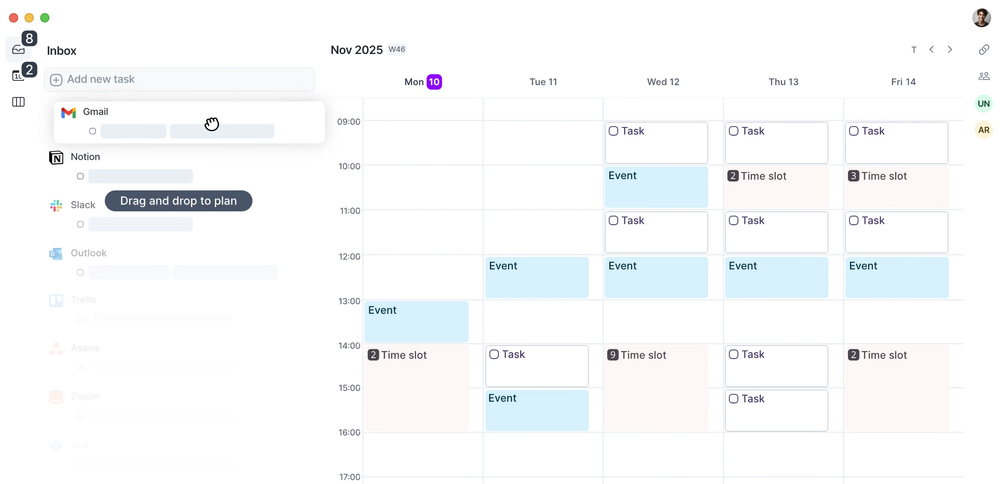
Think of Akiflow as Todoist’s smarter, more structured cousin. It’s not just a task list — it’s a time-blocking and calendar integration beast.
How I use it:
I import tasks from Todoist and manually block time for each one inside Akiflow. It forces focus by showing me exactly where my time is going.
Standout features:
- One-click calendar sync
- Built-in command bar (super fast task entry)
- Slack + Email + Notion task capture
🧠 Someone on X (Twitter) wrote:
“Akiflow is like the missing bridge between task management and actual execution. Once you start time-blocking, you can’t go back.”
3. Routine – For Planning My Day Like a CEO
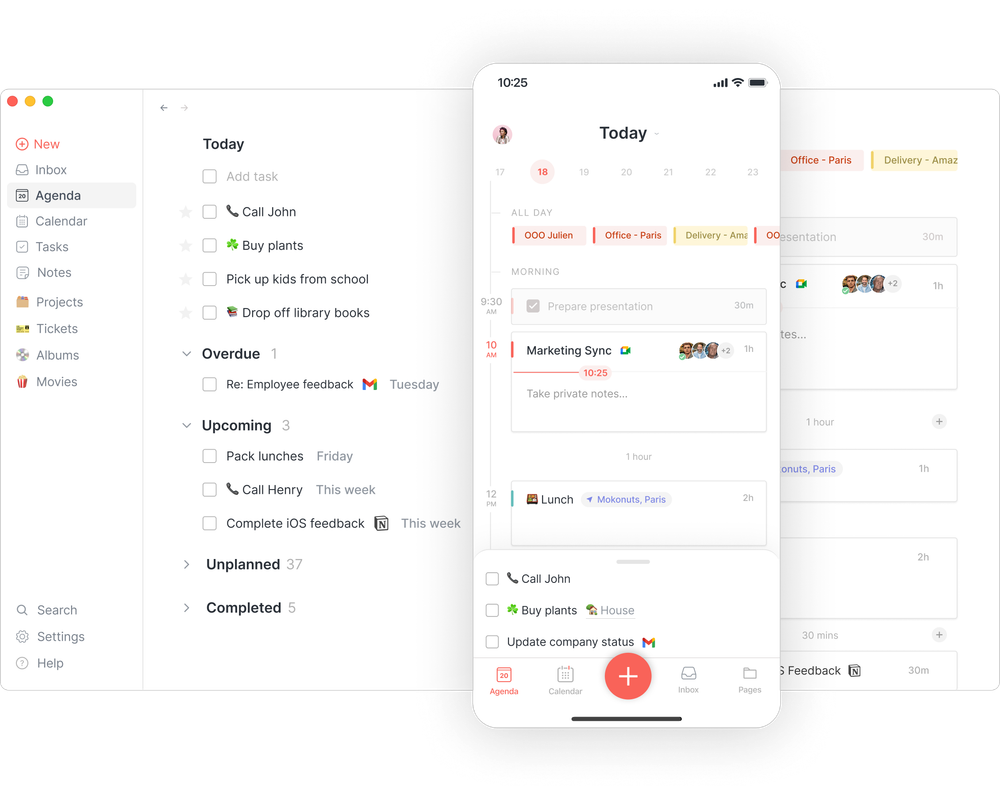
Routine is minimal, aesthetic, and brutally focused. It’s like combining Apple Calendar, Google Tasks, and Notion templates into one seamless daily planner.
I use Routine every morning to set my top 3 priorities and block focus sessions.
The UX is stunning — no clutter, no overwhelm.
Why it works for me:
- Beautiful daily dashboard
- Simple “inbox to calendar” flow
- Works even when I don’t feel like over-engineering the day
Routine is that “Sunday coffee” app — great for calm, intentional planning.
4. Sunsama – The Mindful Productivity Coach
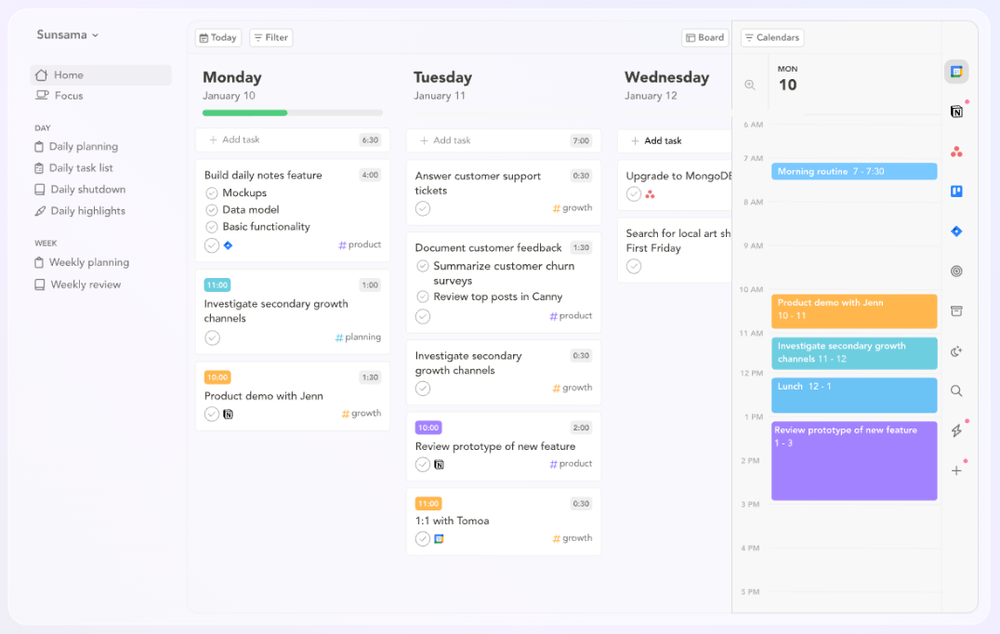
If Akiflow is for high-efficiency, Sunsama is for high-balance. It’s built for people who want to feel good about their workdays — not just check boxes.
Why Sunsama stands out:
- Gentle daily planning ritual
- Built-in work-life balance prompts (“Did you overplan your day?”)
- Integrates with Todoist, Asana, Gmail, Slack
💬 Quote from a Reddit user:
“Sunsama feels like therapy for my to-do list. It’s the first app that made me less anxious about productivity.”
I use it when I need calm productivity — especially during busy weeks.
5. Toggl Track – Measuring Where My Time Actually Goes
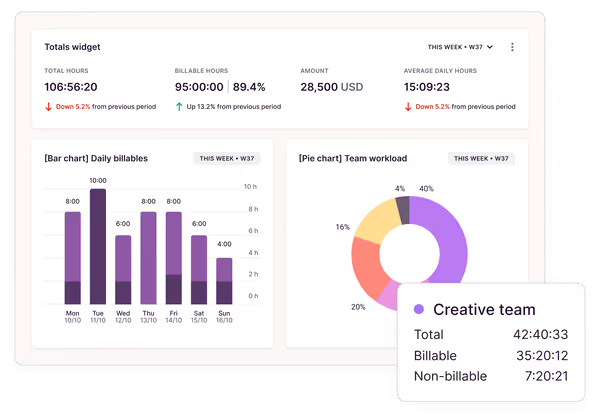
You can’t improve what you don’t measure. That’s where Toggl Track shines.
How I use it:
- Every task block (from Akiflow) is logged here
- Weekly reports show which projects eat the most time
- Helps me justify priorities and bill client hours accurately
The Chrome extension + desktop timer make it frictionless.
If productivity is your sport, Toggl is your scoreboard.
6. Brain.fm – Sound That Helps You Flow
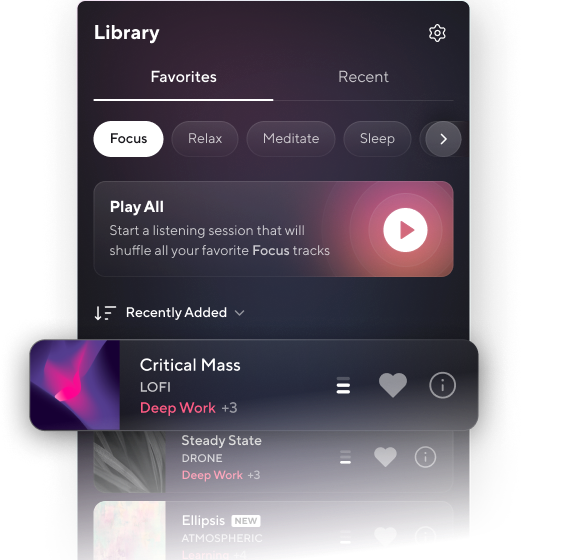
Brain.fm is my secret weapon for deep focus. I was skeptical at first — music for productivity sounds gimmicky — until I actually tried it.
Why I use it daily:
- Scientifically designed AI music that triggers focus
- I use “Deep Work” mode during coding or writing
- You literally feel your concentration deepen within minutes
💬 Someone wrote on Quora:
“I thought Brain.fm was placebo until I realized I stopped skipping tracks and actually finished my report on time.”
Trust me, pair Brain.fm with Akiflow’s time blocks — you’ll enter flow like never before.
7. Focus Traveller – My Distraction Detox App
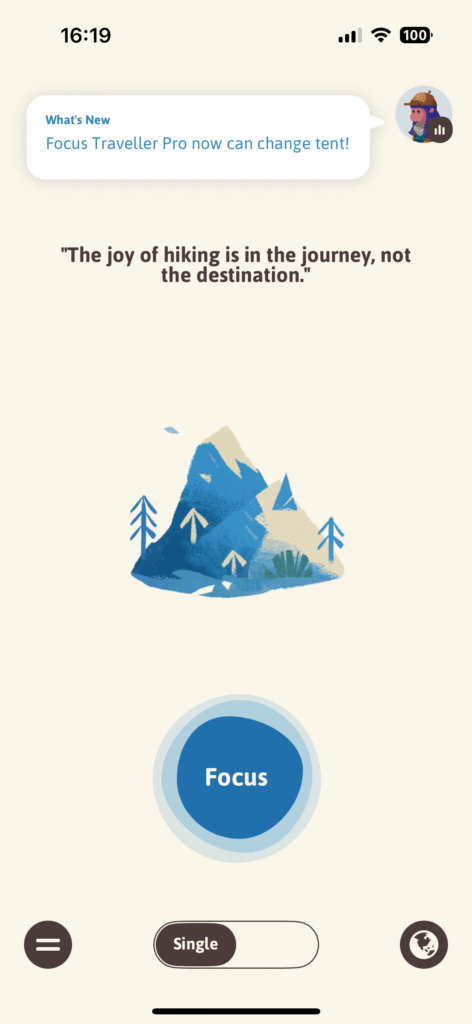
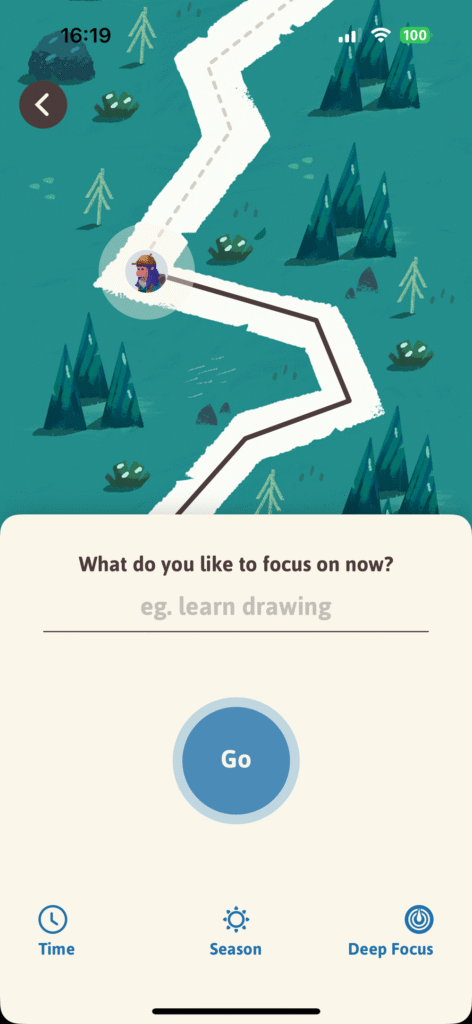
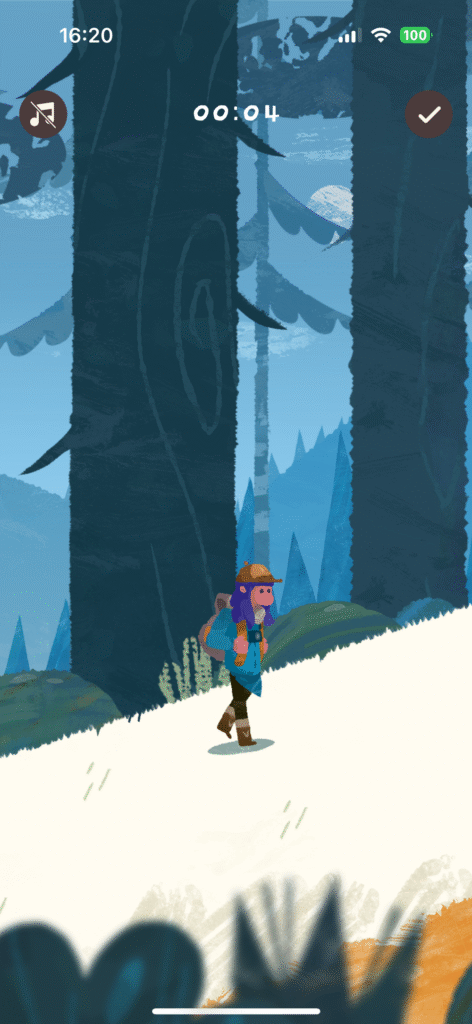
This lesser-known gem helps me fight phone addiction.
When I travel or work remotely, Focus Traveller locks my distractions with a beautiful travel-based progress map. The more you stay focused, the farther your “virtual journey” goes.
It gamifies discipline — without guilt or toxicity.
Perfect for creators and solopreneurs who work on their laptops and need accountability.
8. Notion – My Second Brain
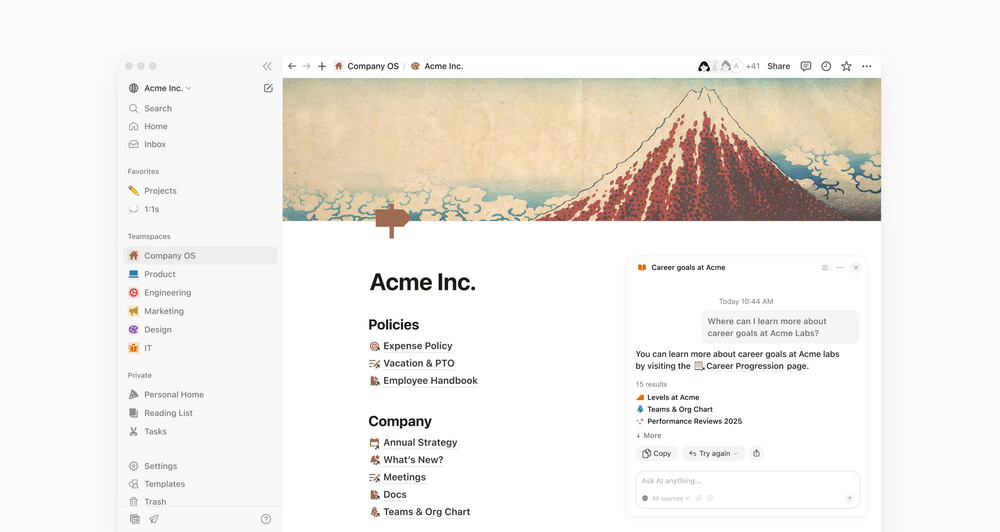
Everyone knows Notion, but few use it right. For me, Notion is where all my knowledge, long-term projects, and documentation live — not my daily tasks.
My Notion setup includes:
- Personal wiki (learning notes, reading lists)
- Content calendar for my blog & YouTube
- Templates for monthly reviews
It’s not a “do” app — it’s a “think” app.
When I want to step back, strategize, or store structured information, Notion is my go-to.
9. Superlist – The Future of Team Productivity
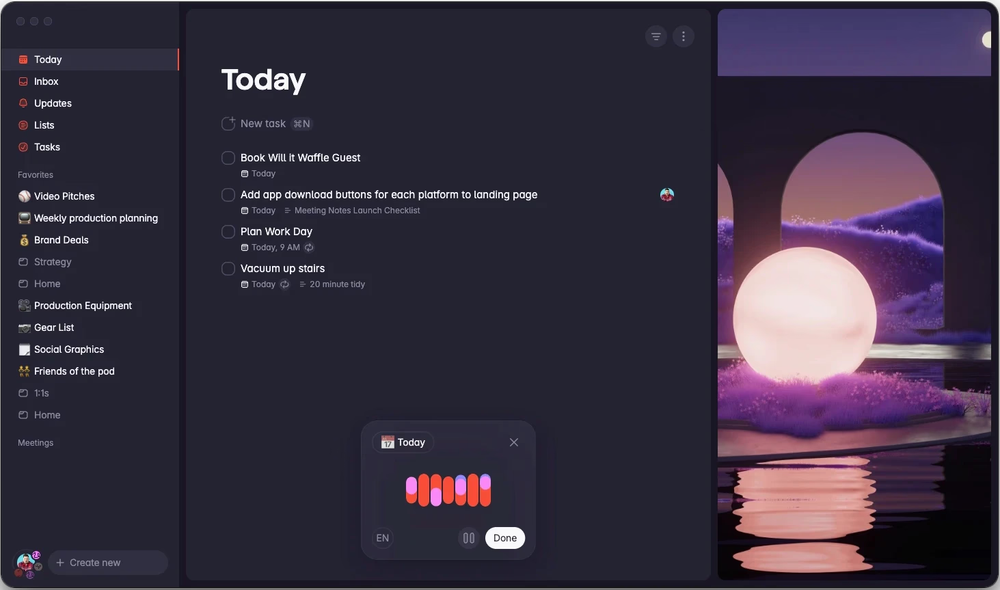
Superlist is the spiritual successor to Wunderlist — and it feels like that in the best way possible.
Why I love it:
- Blends personal and team to-dos beautifully
- Shared lists, quick notes, and delightful design
- Perfect for small teams or family task sharing
💬 On Reddit, a user said:
“Superlist finally nailed collaborative task management without turning into a corporate monster like Asana.”
I use it for side projects with friends or my partner — lightweight, visual, and satisfying.
Why This Combination Works for Me
This isn’t just a random stack — it’s a system:
| Category | Tool |
|---|---|
| Task Capture | Todoist |
| Planning & Time-Blocking | Akiflow / Routine / Sunsama |
| Time Tracking | Toggl Track |
| Focus | Brain.fm / Focus Traveller |
| Knowledge & Docs | Notion |
| Collaboration | Superlist |
Each tool serves a unique layer of my productivity — together, they form a balanced ecosystem.
Lessons After Testing 100+ Tools
- You don’t need more tools — you need less switching
- Integrations > Features
- Build systems, not collections of apps
- Productivity is personal — what calms your brain wins
As one Redditor said: “You don’t find the perfect tool. You build your workflow around the ones you like.”
Final Thoughts
If you’ve ever felt overwhelmed by productivity tools, I’ve been there. The truth is: tools don’t make you productive — they amplify your habits.
My suggestion:
- Pick 1 task manager (Todoist or Superlist)
- Add 1 planner (Akiflow or Sunsama)
- Track your time with Toggl
- Use Brain.fm when it’s focus o’clock
- Reflect in Notion once a week
That’s it. Start small, stay consistent, and let productivity become effortless.

Leave a Reply